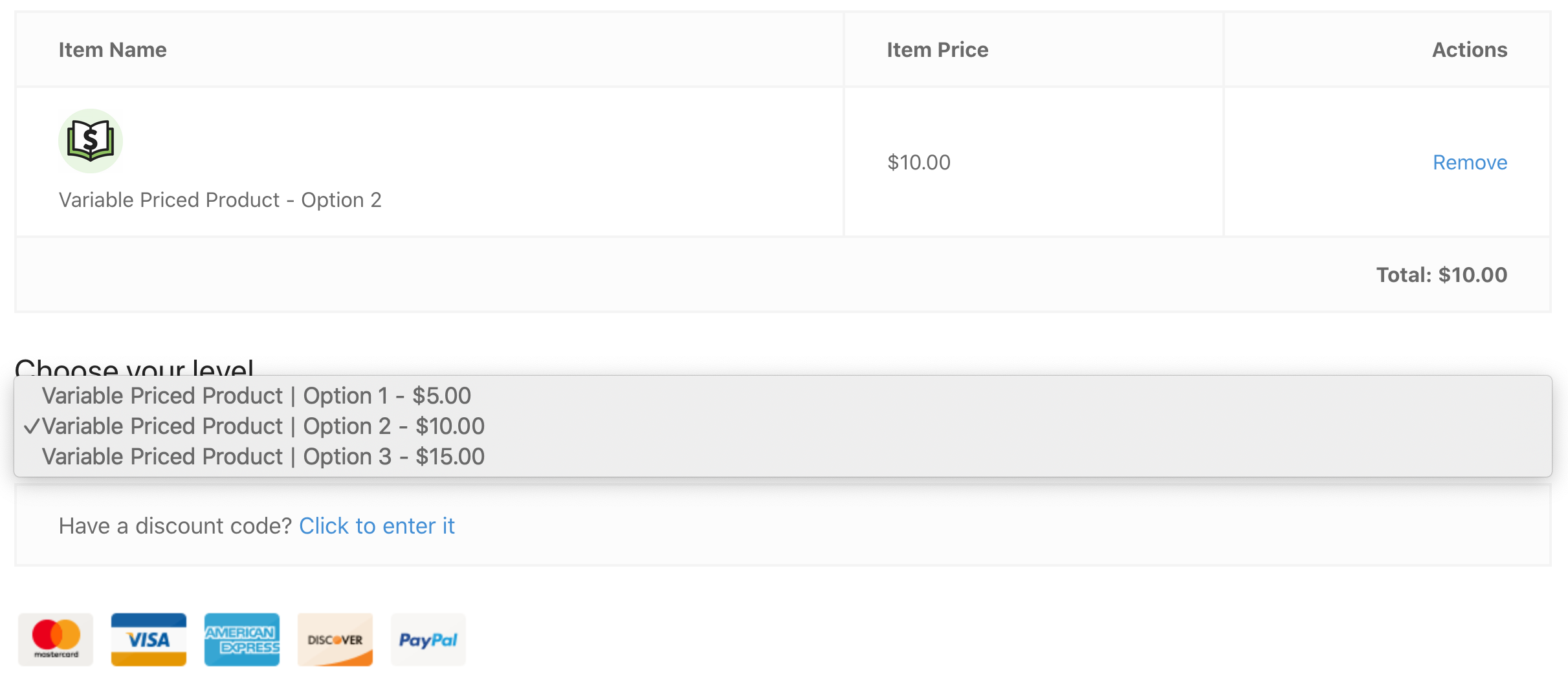
De Variable Pricing Switcher extensie voor Easy Digital Downloads stelt klanten in staat om eenvoudig te wisselen tussen prijsopties op het afrekenscherm.
Installatie
Nadat u de Variable Pricing Switcher extensie heeft geïnstalleerd en geactiveerd, kunt u het instellingengebied vinden door te navigeren naar Downloads → Instellingen → Extensies → Variable Pricing Switcher.
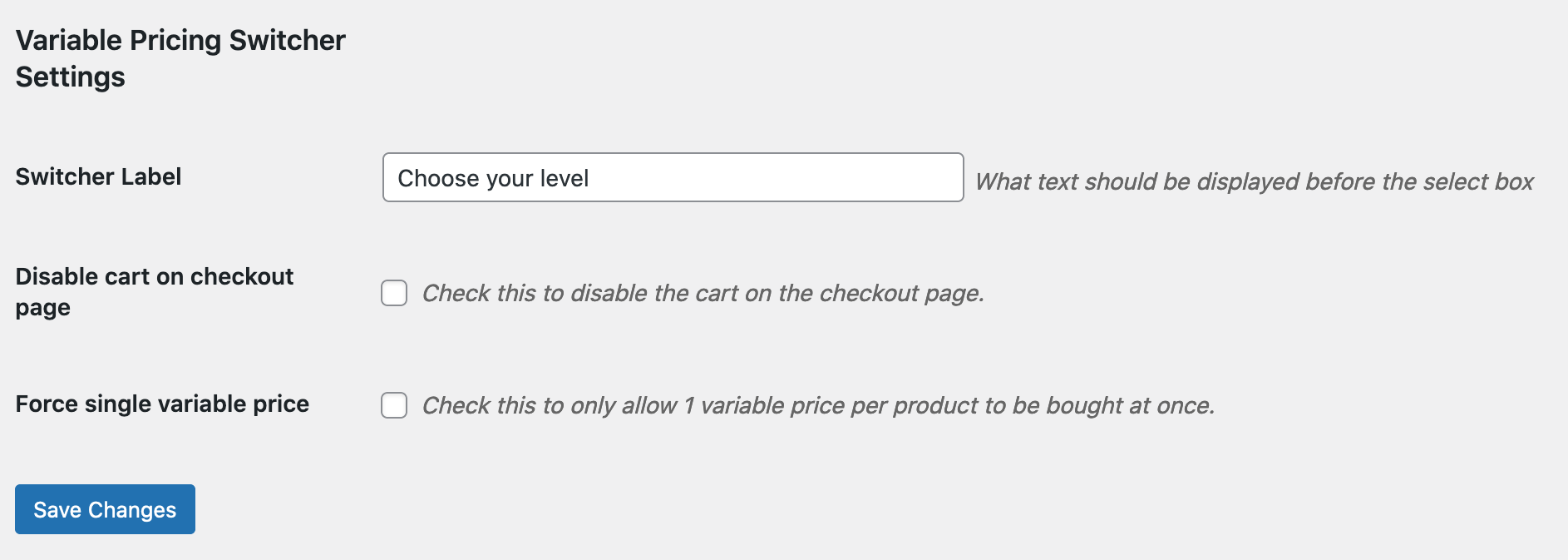
Switcher Label: Dit is de tekst die op de afrekenpagina boven de prijs-switcher zal verschijnen.
Schakel winkelwagen uit bij afrekenen: Het inschakelen van deze optie verwijdert de winkelwagen van de afrekenpagina. Dit is met name handig voor sites met één product, of sites die geen winkelwagen nodig hebben.
Forceer enkele variabele prijs: Het inschakelen van deze optie staat toe dat slechts 1 variabele prijs per product tegelijk kan worden gekocht.
Gebruik
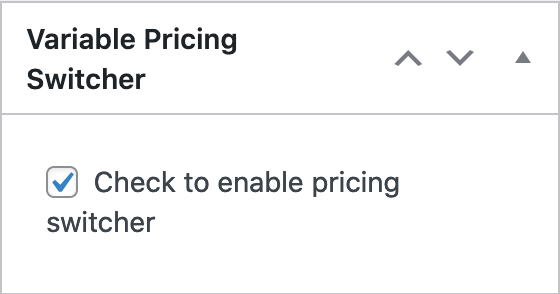
Bij het aanmaken of bewerken van een downloadproduct is er een nieuw gebied in de rechterzijbalk met de titel "Variable Pricing Switcher". Schakel dit in om dat downloadproduct de optie te geven om variabele prijzen te wisselen tijdens het afrekenproces.
Eenmaal ingeschakeld, wanneer een klant een artikel met variabele prijsopties toevoegt, kunnen ze tijdens het afrekenproces wijzigen welke prijsoptie ze willen.