

Les redirections conditionnelles de succès vous permettent d'envoyer facilement un acheteur vers n'importe quelle page de votre site après la finalisation de la vente. Ceci est particulièrement utile pour référer quelqu'un vers un produit connexe, ou peut-être vers la documentation, ou les notes de pochette de CD, etc.
Après l'installation du plugin, un nouvel élément de navigation apparaîtra en bas de votre menu d'administration EDD Downloads (Downloads→Conditional Success Redirects). Cliquer dessus vous mènera à une page d'archive d'administration comme celle ci-dessous.
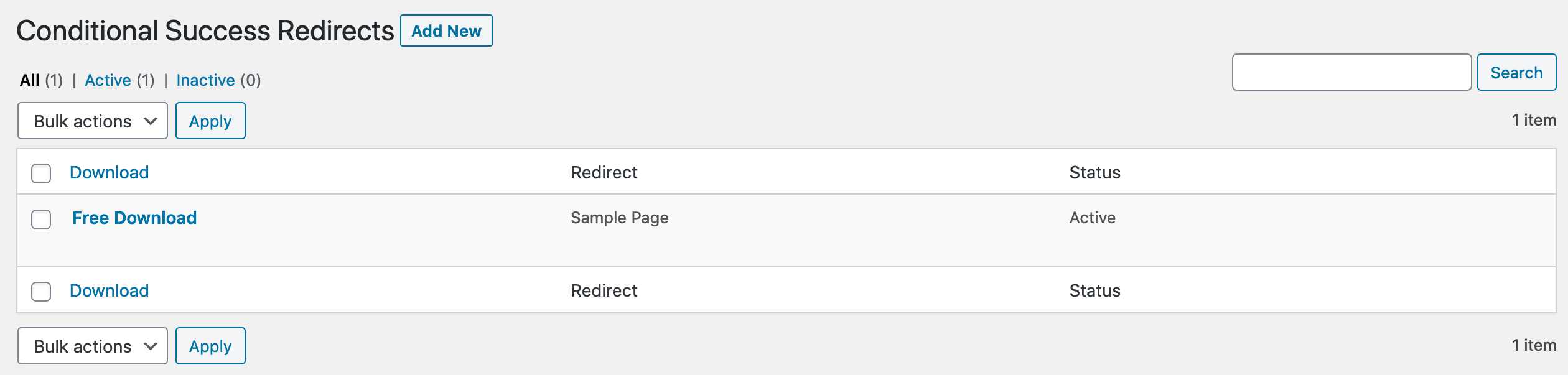
Ajout d'une nouvelle redirection conditionnelle de succès
Ci-dessous se trouve la page « Ajouter ». Vous choisissez simplement le produit auquel vous souhaitez appliquer ceci, puis la page vers laquelle vous voulez envoyer l'acheteur, puis cliquez sur « Ajouter une redirection ».
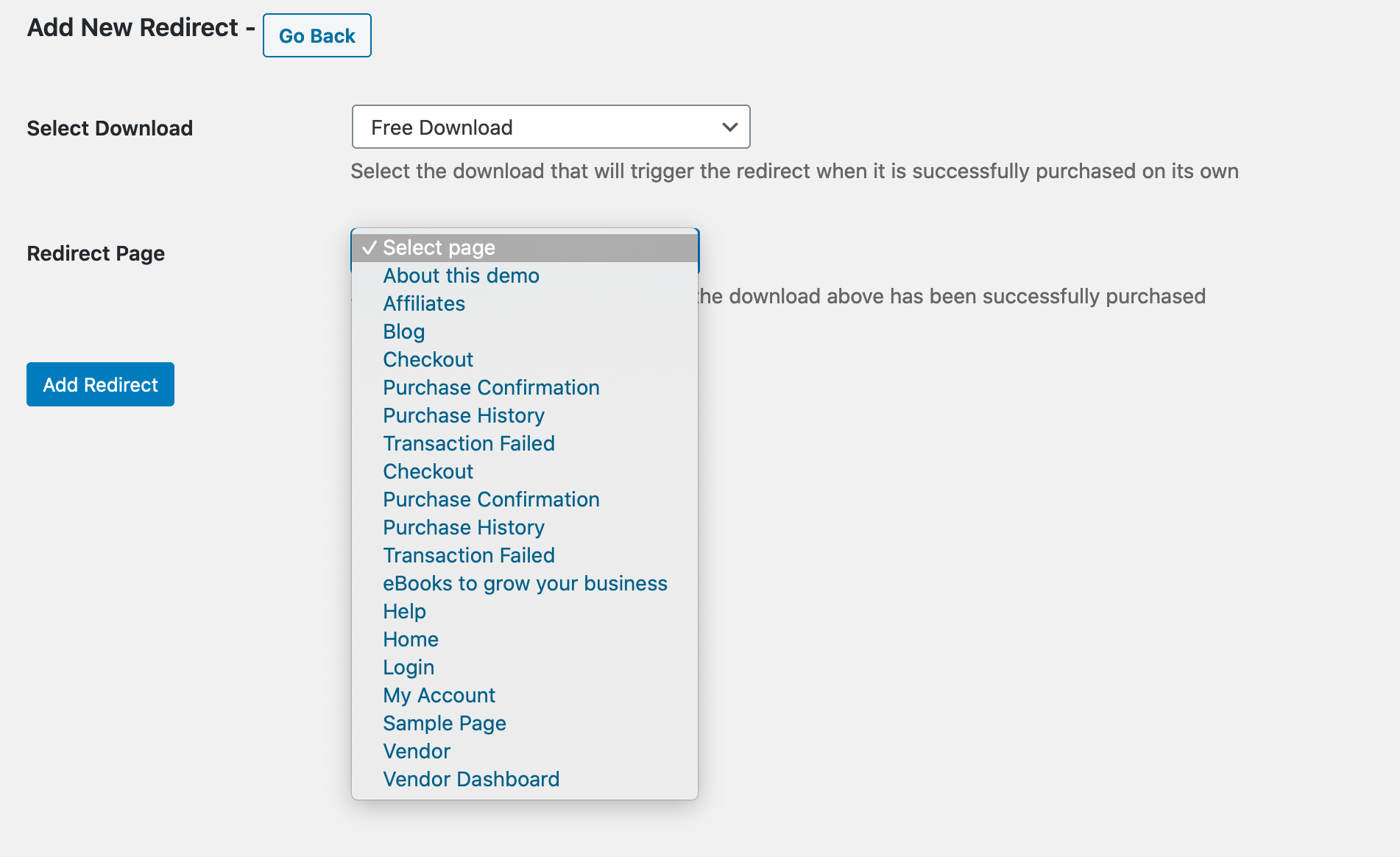
Modification d'une redirection conditionnelle de succès
Une fois qu'une redirection de succès conditionnelle existe, vous pouvez la modifier, ainsi que la définir comme Active ou Inactive, comme montré ci-dessous.
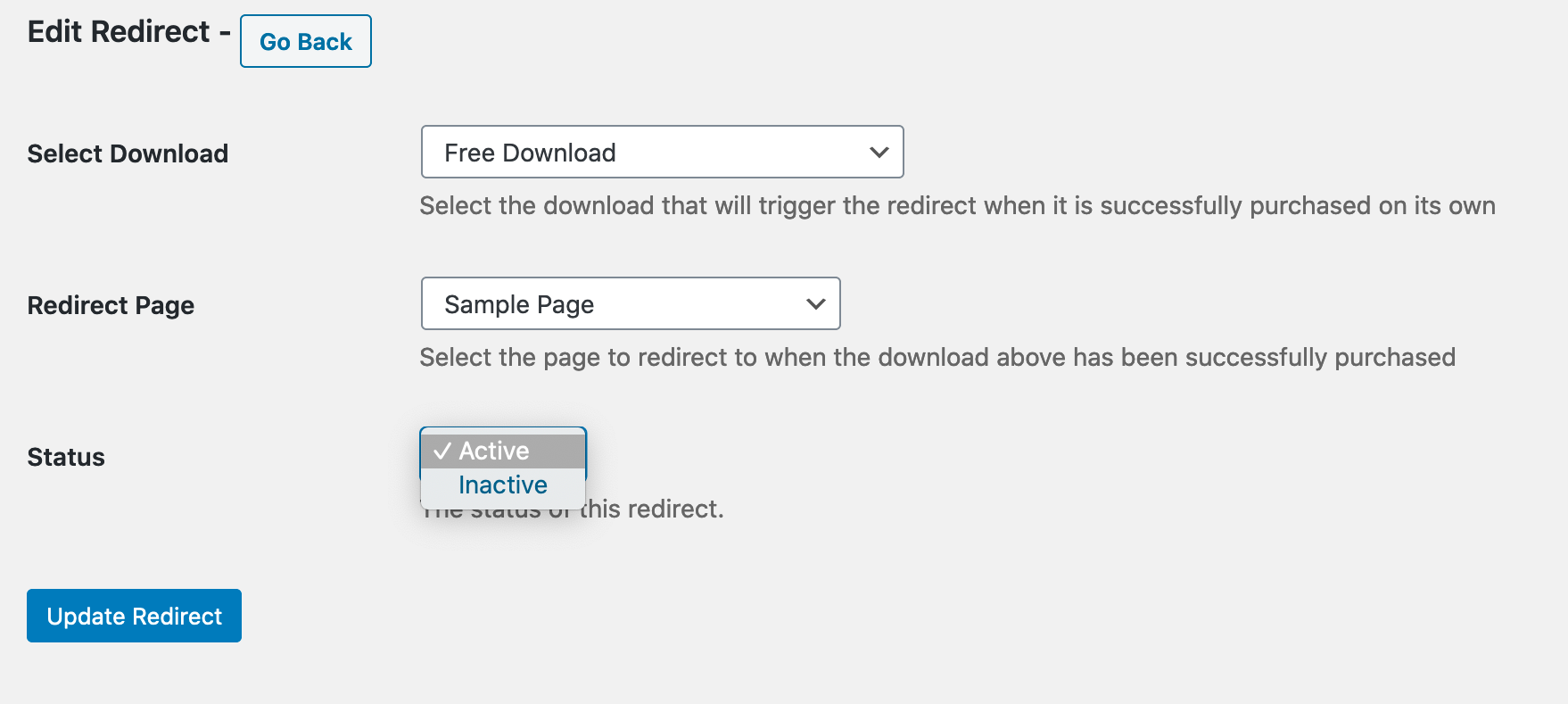
Note importante
Vous ne pouvez avoir qu'une seule redirection de succès conditionnelle pour un produit donné. Si une existe déjà, vous ne verrez même pas ce produit comme disponible sur la page Ajouter. Si vous essayez d'en ajouter une nouvelle, et que votre produit n'est pas disponible, une redirection de succès conditionnelle existe probablement déjà pour celui-ci, et vous devriez regarder la page d'archive d'administration.
Guide :
Voici une courte vidéo démontrant le fonctionnement du plugin :



