

Introduced in Easy Digital Downloads version 2.1, the EDD_Emails class handles the construction and sending of purchase receipts and admin sale notifications. It is also used by extensions to send custom emails in the standard HTML template.
To send an email using the EDD_Emails, class, call the send() method from the main EDD() instance, like this:
EDD()->emails->send( $to, $subject, $message );
If you want to send attachments along with the email, pass the file paths as a string or array as a fourth parameter:
EDD()->emails->send( $to, $subject, $message, $attachments );
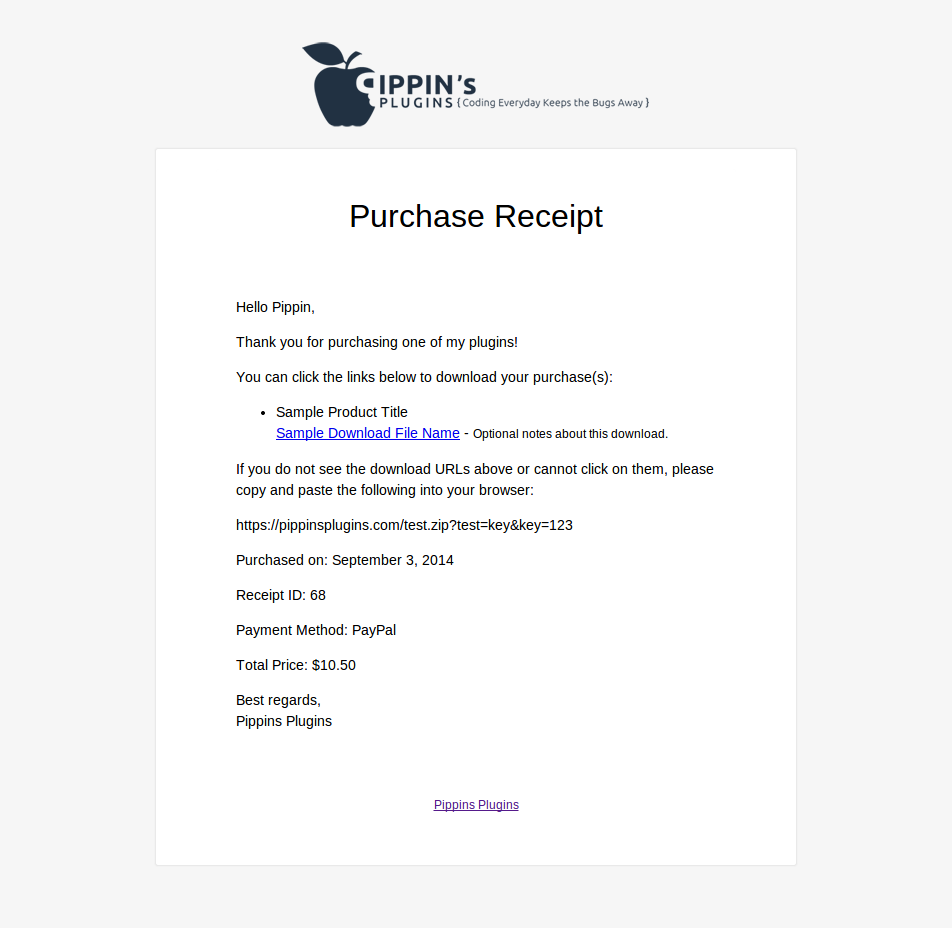
All emails sent through this class will have the template selected in Downloads > Settings > Emails applied. By default, it looks like this:
Class properties:
- $from_address
- $from_name
- $content_type
- $headers
- $html
- $template
- $heading
Methods:
- public: __set( $key, $value )
- public: get_from_name()
- public: get_from_address()
- public: get_content_type()
- public: get_headers()
- public: get_templates()
- public: get_template()
- public: get_heading()
- public: parse_tags()
- public: build_email()
- public: send()
- public: send_before()
- public: send_after()
- public: text_to_html()
Filters:
- edd_email_from_name
- edd_email_from_address
- edd_email_content_type
- edd_email_headers
- edd_email_templates
- edd_email_template
- edd_email_heading
- edd_email_message
- edd_email_attachments
Actions:
- edd_email_header
- edd_email_template_{template name}
- edd_email_body
- edd_email_footer
- edd_email_send_before
- edd_email_send_after



